



luts
Tutorials & Guides
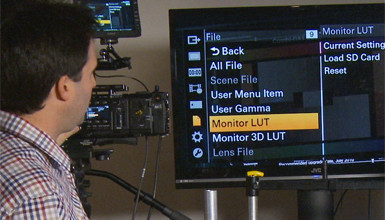
In the latest firmware version 4.0 for the F5/F55, Sony added the ability to load custom 3D LUTs. This enables you to see the look you want on set while recording in Raw or Log. Many have been asking about this feature for some time now, and Sony has now made it available.
Tutorials & Guides
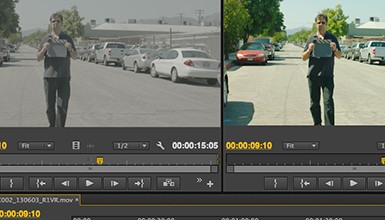
One of the most popular blog posts I've written was a guide to Applying LUTs to Log Footage in various NLEs. Since I posted it, a lot has changed in the popular NLEs; the tools used to apply Look Up Tables are now included in many of them, and they are generally better than ever. Here is a break down of how to apply LUTs to Log footage (or any footage) in Final Cut Pro X, Adobe Premiere Pro CC, Avid Media Composer 7, and Resolve 10
Tools, Charts & Downloads
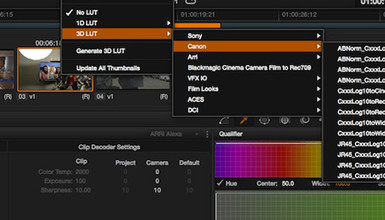
Canon has Look Up Tables (LUTs) on their website for their Cinema EOS line of cameras – the C100, C300 and C500. These LUTs are designed to convert from Canon Log to Rec709 or Cineon. Originally, they were published with only the C300 in mind, but they were later updated to work for the C100 and C500 as well.
Tutorials & Guides
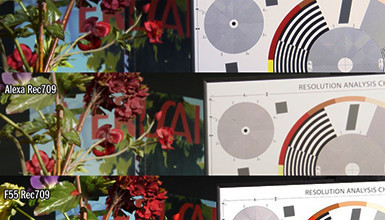
Many cameras today have a Rec.709 color mode or LUT mode included, which is great for making a pleasing image on a monitor. Since Rec.709 is a standard defined by the ITU (International Telecommunication Union), we might assume that the Rec.709 mode in every camera would look about the same - but this never seems quite true.
Tutorials & Guides
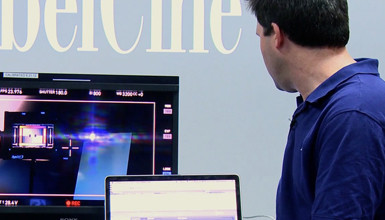
The Alexa XTand Alexa Classic with the XR recording module both have the ability to read ASC CDL (Color Decision List) LUT settings as they record.

Tech News
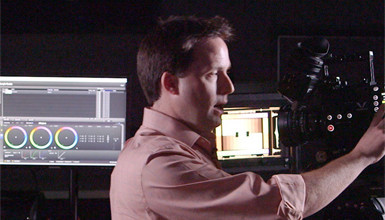
A little while ago, Sony released the latest firmware for the F5 & F55 cameras, as well as the AXS-R5 Raw recorder. Version 1.15 of the F5/F55 firmware has some small incremental updates, with mostly bug fixes included. However, some big changes include improved naming conventions on the AXS card, de-anamorphic function on the viewfinder, and a warning when you haven't black balanced in a while.
Tech News
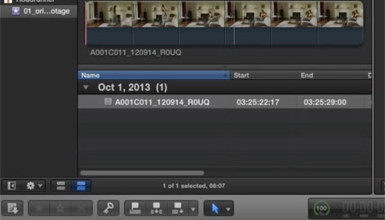
Pomfort has put together a new tutorial on how to use their LiveGrade software in conjunction with DaVinci Resolve to create dailies. LiveGrade can be used with hardware like the BlackMagic HD Link Pro to create LUTs live. I outlined how to apply different LUTs in a previous blog, but Pomfort has put together a very simple way to work with ASC-CDL (Color Decision List) files in DaVinci Resolve.
Tutorials & Guides
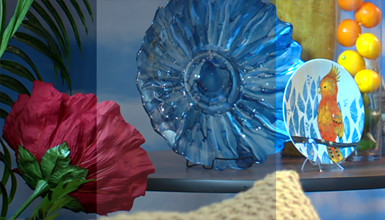
Working with Log material can be difficult at times, so we have put out a couple of different LUTs for use when using the Sony F3's S-Log or Canon Log from the Canon C300. You can download the F3 LUTs and the C300 LUTs, as many of you have already done. Arri has their online LUT Generator, and the Technicolor CineStyle LUTs are available when using the CineStyle profile on the 5D Mark II.
Tools, Charts & Downloads
Canon provides several De-Log LUTs on their website that are meant to convert Canon Log back into REC709 or video gammas. These files can be found on Canon's website but can be tough to use, because they are given in 1D LUT format as a simple CSV (comma seperate value) file.