



Image Evaluation

Tutorials & Guides
Back in January, Juliet wrote a fairly extensive post explaining the process of getting HFR recording working on your Sony F55 or F5. It's a great feature that many people are excited about, but a common question that pops up is, "Why can't I use LUTs when shooting in the HFR mode?" LUTs can definitely make your life easier when shooting in S-Log, so Alister Chapman has found an interesting workaround over on XDCam-User.
Tech News
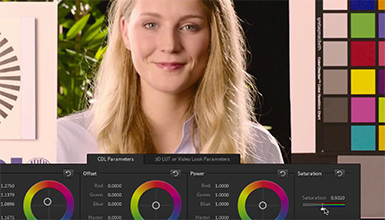
One of the most important features of the new Arri AMIRA is its ability to load 3D LUTs (Look Up Tables), which really allows you to modify the way the camera looks. The ALEXA allows for basic LUTs with ASC CDL adjustments, but the AMIRA goes a step beyond that to allow for full customization of the image.

Tutorials & Guides
Jem Schofield, of theC47, has presented a number of popular classes in our NY Learning Point, and now he's bringing that expertise to Canon's newest tutorial series on the C100. In his latest video tutorial, Jem takes an in-depth look at a topic that we often get questions about, specifically how to properly use a waveform monitor. He also discusses gamma and custom Picture Profiles, so make sure to watch the full video above.
Tutorials & Guides
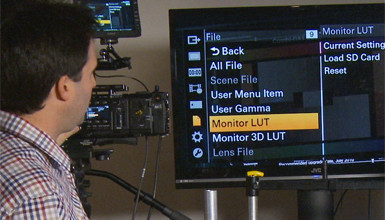
In the latest firmware version 4.0 for the F5/F55, Sony added the ability to load custom 3D LUTs. This enables you to see the look you want on set while recording in Raw or Log. Many have been asking about this feature for some time now, and Sony has now made it available.
Tech News
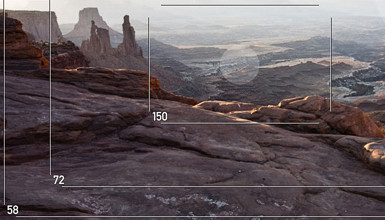
Have you ever found yourself wondering about the image a particular camera and lens would produce? Well, if you have your phone on you, there's now an easy way to find out. DIRE Studio has released an app called Mark II Artist's Viewfinder, which has the ability to preview and capture hundreds of camera and lens combinations.
Tutorials & Guides
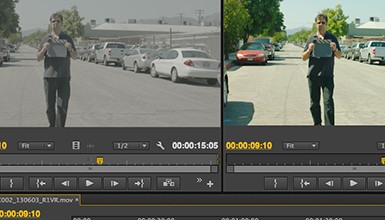
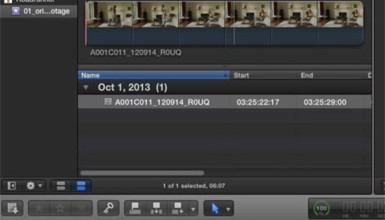
One of the most popular blog posts I've written was a guide to Applying LUTs to Log Footage in various NLEs. Since I posted it, a lot has changed in the popular NLEs; the tools used to apply Look Up Tables are now included in many of them, and they are generally better than ever. Here is a break down of how to apply LUTs to Log footage (or any footage) in Final Cut Pro X, Adobe Premiere Pro CC, Avid Media Composer 7, and Resolve 10
Tutorials & Guides
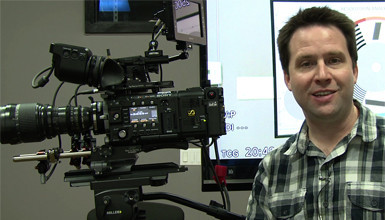
In my last video on the Sony F5 and F55, I showed how firmware version 3.0 adds many new features to the cameras including a 2K Center Scan mode, which is just the right size for use with Super 16mm lenses.
Tutorials & Guides
We've discussed many of the advantages of shooting Log C on the ALEXA before, but often one of the biggest roadblocks is the preconceived notion of an overly complex workflow. While this can be true if you need to grade the majority of your footage, often times (especially if you nail your exposure), a simple translation is all that is necessary.
Tools, Charts & Downloads
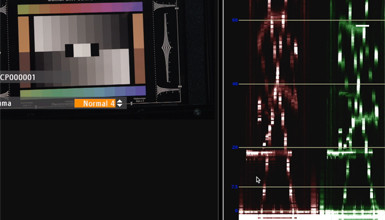
Not sure if your monitor is up to spec? SpectraCal, the company behind CalMAN monitor calibration software, recently announced that their Colorchecker Software is now available as a free download. This software, once only available for purchase or as part of a larger CalMAN product suite, allows users to determine whether their monitor is true to industry standards such as Rec709, DCI or Adobe RGB.