


Overview
*This class will be utilizing the Public Beta version of DaVinci Resolve 20, making it the first class of its kind to explore and work with this early release. As a beta version, DaVinci Resolve 20 may have some bugs, unfinished features, or occasional instability. Please be aware that the software is still in development and some functionalities may change before the final release. We appreciate your understanding and flexibility.
For the first time ever, AbelCine will be offering RG-301 in a new, hybrid format. Tickets will be made available for both an in-person class experience, as well as a virtual class experience accessible via Zoom. When purchasing your ticket, please be sure to select the appropriate option – (AbelCine LA or AbelCine NY if opting for in-person, Virtual if opting for Zoom.)
In-person class attendees will receive the same class experience as always, featuring one-on-one time with the instructor and a workstation to follow along with.
Virtual remote attendees will receive access to the Zoom broadcast of the classroom, and will be able to ask questions of the instructor via the in-platform chat system.
Both Virtual and In-Person attendees will get access to the class media files as well as a copy of the Zoom session recording. Please note: if you attend in person or have your camera on in the virtual session, your likeness may be captured in this recording.
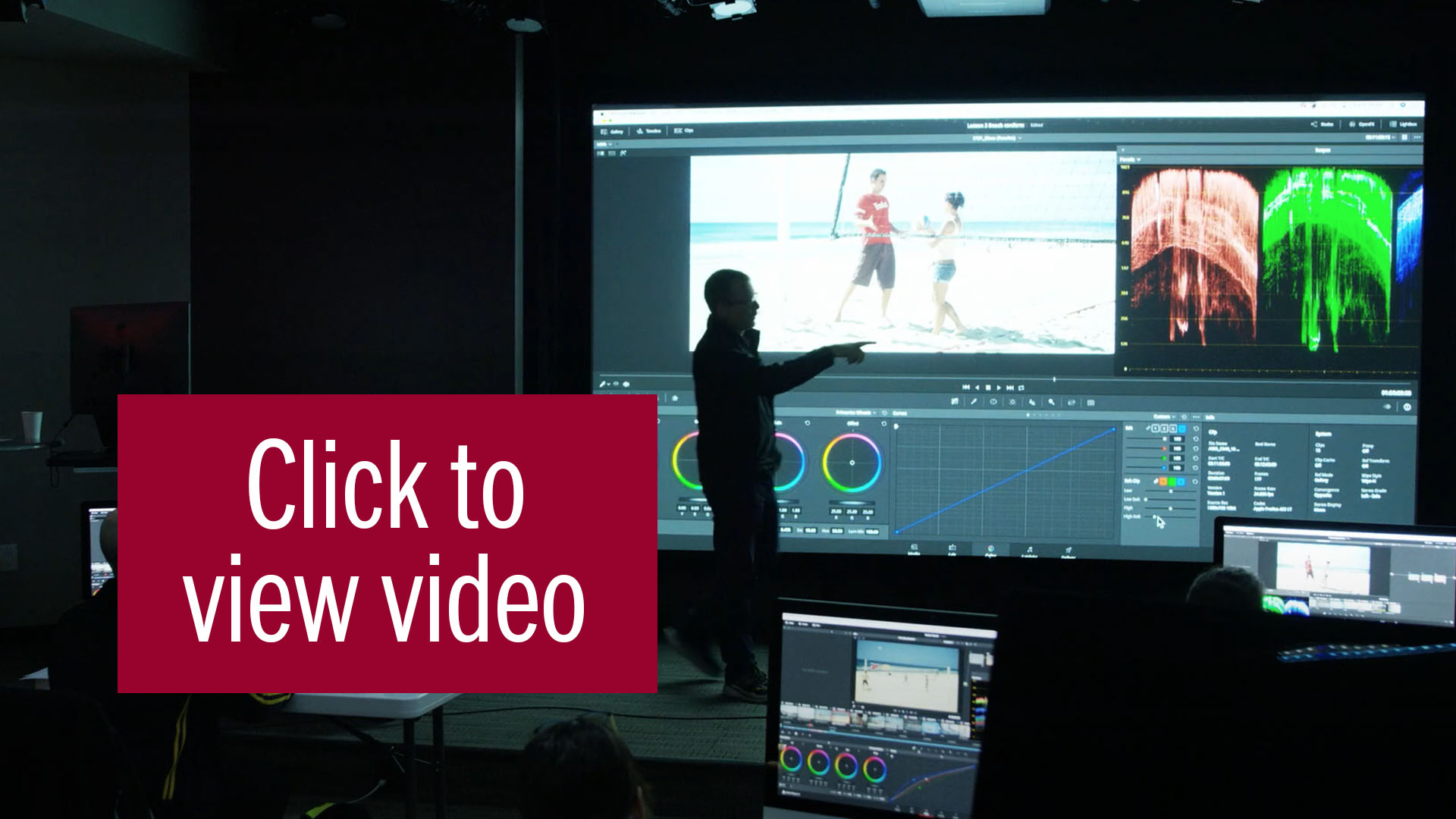
In this creative, two-day workshop, students will learn how to bring a movie or sequence to life. Students will review movie & drama sequences and discuss how the color and mood has enhanced the film. They will also learn how to create the traditional “looks” from movies, TV commercials, and music videos, as well as how to match those looks, not only shot to shot, but also to an entire scene.
Warren will address the different challenges presented by each sequence or camera, along with the different creative ways to Color them. Students then get the chance to do the same in a timed situation, like a real session but with Warren playing the client’s role. Each grade is then reviewed as a group, so simulating a client review session.
Students are encouraged to bring their own footage to work on and share with the class. We will also look at the best practices for approaching a session, when to push the grade and when to hold back. Learn from Warren about how he deals with clients in the room and how he tries to make sure they come back. Create established looks and explore how to make new ones. Remember it’s subjective so just play and have fun.
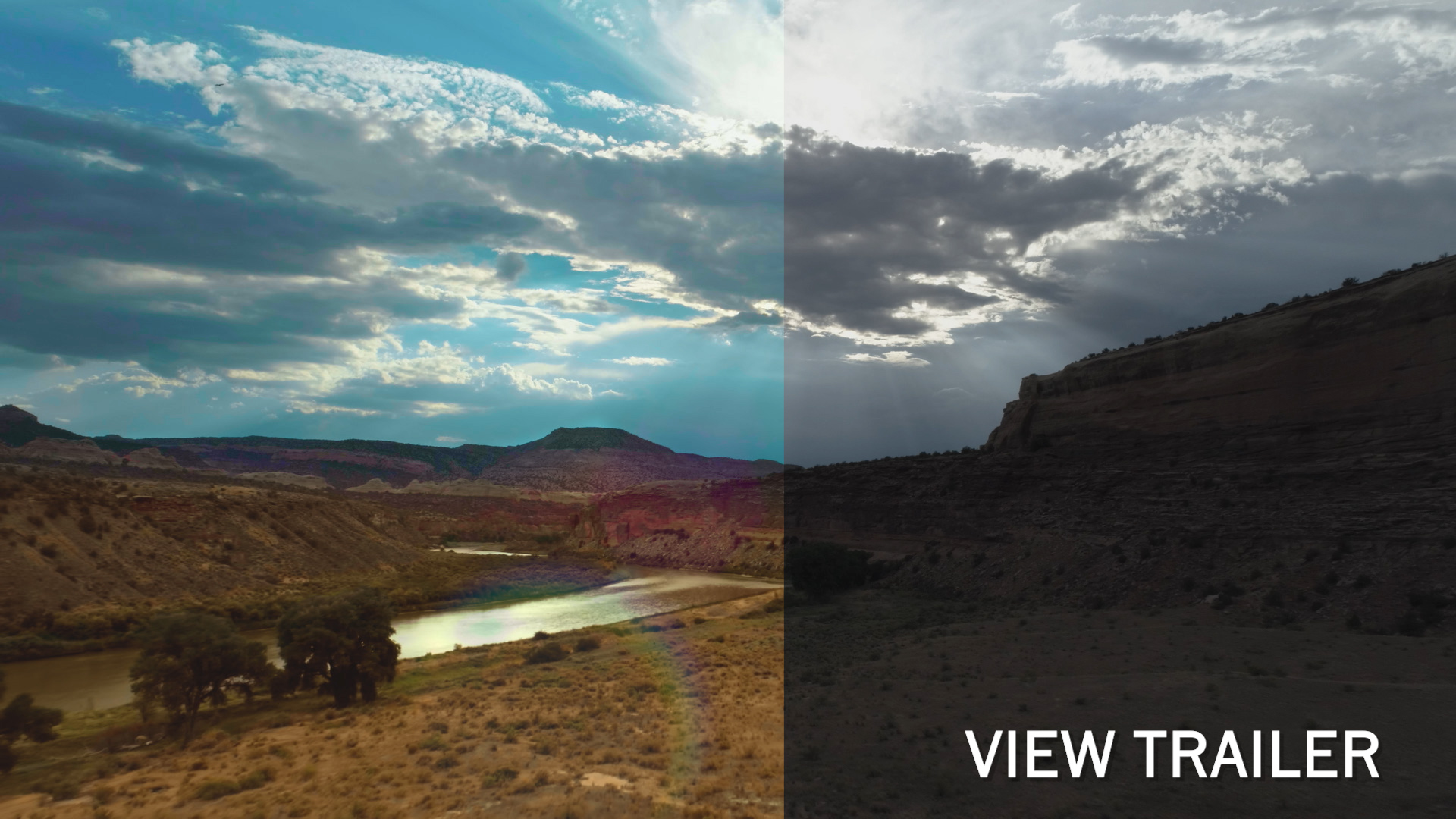
Here are examples of the media used:
- A face matching and beauty sequence, shot with RED and Sony A7s
- The ‘Film Look’ How do we get it using the Resolve tools, LUTs and OFX.
- A war sequence shot on Sony F3. It’s fantastic for
- a ‘Saving Private Ryan’ Bleach Bypass grade, a hot
- Jungle look, or the classic Day for Night.
- Bad footage, we all get it. Learn different techniques to make the best
of what you have been given.
- A Courtroom drama scene shot with 4 cameras Alexa,
Blackmagic URSA Mini, Sony and GoPro.
- ‘House of Cards’ shot for an ACS workshop. This is a recreation of an original scene from the classic Netflix series and is great for showcasing a fixed Node structure that will increase your speed.
- I will also address how to deal with the different challenges
- presented by each sequence. Students then get the chance to do
- the same in a timed situation.
- Reviewing, class discussion and feedback is a major part of this class.
- It will simulate what a real grading project with clients is like.
- This will be conducted in class and using Frame io for uploads and reviews.
- Students are also encouraged to upload their own footage to work on
- and share with the class.”
You will learn
- Using Plugins and Resolve presets.
- Why use a fixed node structure.
- The best ways to match footage from different cameras.
- Power Windows used in a creative way.
- OFX for beauty work.
Looks covered.
- The Film Look including different stocks
- Bleach Bypass
- Day for Night
- Classic Black and White
- Orange and Teal
- Cross Process
- Classic ‘Red Coat’ isolation.
- “Our class with Warren Eagles has been a very exceptional experience. What I love most about the classes is how Warren
- was able to discuss very complex concepts and instructions in a very understandable pace. He makes sure that no one gets left behind in class.
- Overall, having a grading class with Warren is a MUST! You will surely miss a lot of techniques if you don't.”
- Drix Reyes
- Narra by Wildsound Studios
- Philippines
Who should attend?
Great for any current Resolve Colorist or students who have completed
either the iColorist RG101 Beginner, RG201 Advanced classes or Warren’s FXPHD video training series.
What you will get
All students on this course receive an iColorist Certificate, the media and a screen recording of the class to keep.
Instructor
Warren has been coloring for 30 years and has been using Resolve since 2005. He co-founded the International Colorist Academy in 2009 and now splits his time between grading and teaching. Warren is based in Brisbane Australia where he owns and operates his own Color grading shop.
Frequently asked questions
What kit do I need if joining a Virtual workshop?
A laptop or desktop PC or Mac capable of running the latest Resolve software. 2 monitors mean you can watch the training on one monitor then use Resolve on the other monitor. Headphones and mic. Check you have a stable internet connection suitable for ZOOM with the ability to download around 15GB of media.
How will I get the training footage and supporting documents?
A week before your class you will receive a Frame io download link. This will enable you to be confident and comfortable of your set up before the class begins.
Do you offer any student, Guild or Society Member discounts?
Yes. 20% to anybody who qualifies. Cannot be combined with any Early Bird discount already claimed.
Will I get a recording of the class?
Yes. All sessions will be recorded if we have ZOOM students.
Is the virtual workshop certified like the classroom options?
Yes, you will receive a digital ICA certificate.
Do you have any post class Q&A?
Yes, you can ask questions via e-mail or via the iColorist Facebook and Linkedin groups.
Can I keep and use the footage supplied in the class?
Yes, you can use it for private practise after the class. It cannot be shared or used in conjunction with any other training organisation.
Click here to watch Singapore "Looks and Matching Masterclass"
Click here to read the Back in the Classroom Blog Post
“I would highly recommend this course to anybody that wants to learn the ins and outs of Resolve. I have been a colorist for over 40 years and still learnt so much!”
-Clark Muller, Colorist LA
“Warren is very nice and answers all questions. Very thorough insight into how a professional colorist uses Resolve.”
-Naomi Williams, Director/Artist, LA
“Warren is an amazing, knowledgeable and patient educator.”
-David Robin, Creative Director, LA
“I really enjoyed the course. This is an excellent class for anyone seeking to learn interesting and creative ways to grade the different types of digital material. The course structure makes it very enjoyable, easy to understand and gives you the necessary knowledge to stand out in this competitive industry. Warren inspires and motivates you to be a better colorist.”
-Carlos Cortez Climaco, Senior Colorist, Mexico City
About ICA: The International Colorist Academy (ICA) was established in 2009 to provide “training for Colorists by Colorists”. They conduct small group workshops around the world where instructors share their firsthand knowledge of the skills needed to master Color Grading. icolorist.com
Instructors
Who Should Attend
<p>Great for any current Resolve colorists with at least one year of experience or previous students who have completed any ICA class.</p>
Certification
<p>Each student will receive a certificate of completion from the ICA.</p>
