



Tutorials & Guides
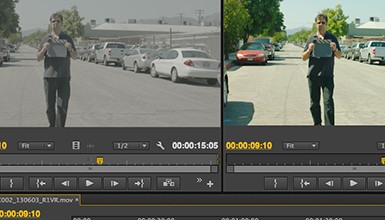
One of the most popular blog posts I've written was a guide to Applying LUTs to Log Footage in various NLEs. Since I posted it, a lot has changed in the popular NLEs; the tools used to apply Look Up Tables are now included in many of them, and they are generally better than ever. Here is a break down of how to apply LUTs to Log footage (or any footage) in Final Cut Pro X, Adobe Premiere Pro CC, Avid Media Composer 7, and Resolve 10
Tutorials & Guides
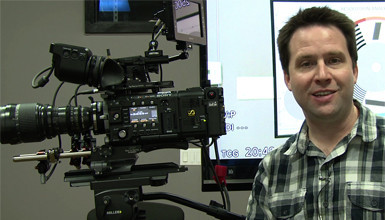
In my last video on the Sony F5 and F55, I showed how firmware version 3.0 adds many new features to the cameras including a 2K Center Scan mode, which is just the right size for use with Super 16mm lenses.
Tutorials & Guides
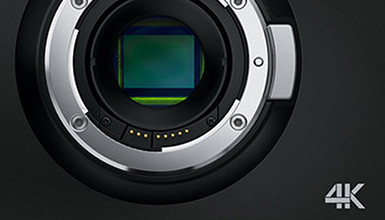
Now that the Blackmagic Production Camera 4K is shipping, we thought it would be a good time to follow up with our lens and accessory guide for the newest member of the Blackmagic family. With a Super 35 sensor capable of recording a QFHD (3840x2160) or HD Cinema DNG raw or ProRes files and a global shutter, the Production Camera 4K should prove to be an invaluable tool to have in your camera arsenal.
Tools, Charts & Downloads
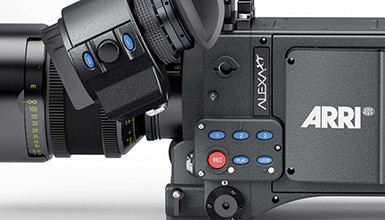
Arri's website has a great set of resources for anyone interested in working with the ALEXA / ALEXA XT, from a menu simulator to downloadable footage, to videos explaining how to work with ARRIRAW. One of the best of these resources is their comprehensive ALEXA XT FAQ.

Tools, Charts & Downloads
In the Sony F5/F55's previous firmware versions, scene files had to be loaded manually via the Paint menu. Now, with the latest v3.0 update, there is a dedicated menu that supports the loading of scene files onto an SD card, as well as the camera's internal memory.
Tutorials & Guides
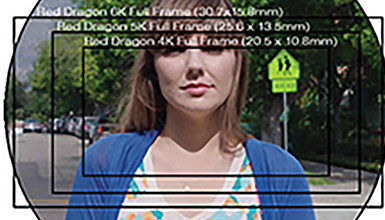
At AbelCine, one of the most common questions our techs get these days is about lens coverage with different cameras. It’s no wonder that we get these inquiries, as there is an endless stream of new cameras coming out, all of which have different sensor sizes and specs. We frequently get questions like this: “Does my 16mm lens cover the Blackmagic Cinema camera sensor?” or “Does my lens cover 6K on the Red Dragon camera?”
Tutorials & Guides
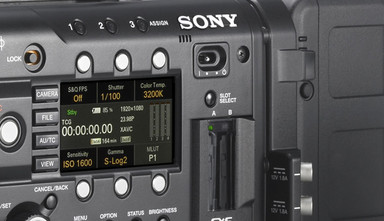
With the latest 3.0 firmware update, Sony has given users the ability to shoot a variety of high frame rates, but many people are still a bit confused about how to get to their desired frame rate. I've created a flow chart to help de-mystify the process, but first, let's go over the menu options needed.
Tutorials & Guides
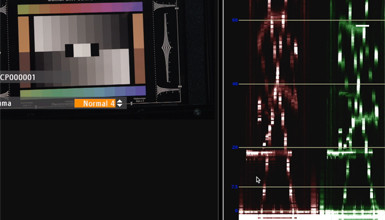
We've discussed many of the advantages of shooting Log C on the ALEXA before, but often one of the biggest roadblocks is the preconceived notion of an overly complex workflow. While this can be true if you need to grade the majority of your footage, often times (especially if you nail your exposure), a simple translation is all that is necessary.
Tools, Charts & Downloads
Not sure if your monitor is up to spec? SpectraCal, the company behind CalMAN monitor calibration software, recently announced that their Colorchecker Software is now available as a free download. This software, once only available for purchase or as part of a larger CalMAN product suite, allows users to determine whether their monitor is true to industry standards such as Rec709, DCI or Adobe RGB.