



Tutorials & Guides
Working with Log material can be difficult at times, so we have put out a couple of different LUTs for use when using the Sony F3's S-Log or Canon Log from the Canon C300. You can download the F3 LUTs and the C300 LUTs, as many of you have already done. Arri has their online LUT Generator, and the Technicolor CineStyle LUTs are available when using the CineStyle profile on the 5D Mark II.
Tutorials & Guides
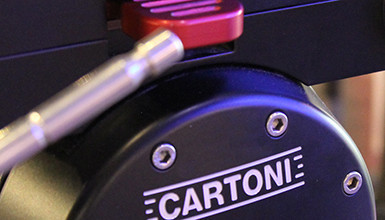
Cartoni was nice enough to stop by a few days ago with their new Master Mk2 Fluid Head, so I decided to give it a thorough once-over.
Tutorials & Guides
AbelCine offers scalable software and hardware to manage your digital assets effectively and affordably. These systems have been chosen because they work well together and offer simple, straightforward solutions that can leverage your existing resources rather than over-complicate your workflow.
Tools, Charts & Downloads
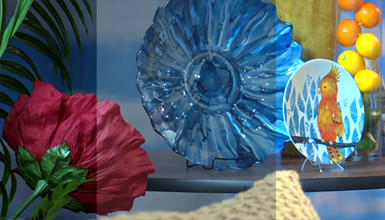
With the updated firmware on the FS100 many people have also been asking about new Scene Files for the camera. There was talk about the color or gamma modes changing with the new firmware, but from my testing and from what Sony has told us this is not the case. However, it was well worth re-examining our original files to come up with some new looks for you to try out on the camera.
Tutorials & Guides
Sony's new NEX-FS700 camera builds upon the success of the NEX-FS100, but adds some much-requested features and a few surprises as well.The feature set is very similar to the FS100, so most lenses and accessories will be fully compatible between the two. In this article, we present the various accessories and lens options that can be used with the camera.
Tutorials & Guides
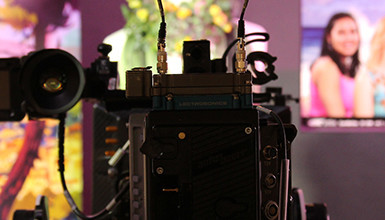
At AbelCine, we offer a class on video formats that covers a variety of different terms and compression formats. One of the more common questions I'm asked is, "What's the difference between uncompressed video, Raw, and Log recording?" With so many cameras these days offering different recording options, combined with the popularity of external recorders, it's no wonder there are a lot of questions about this topic.
Tools, Charts & Downloads
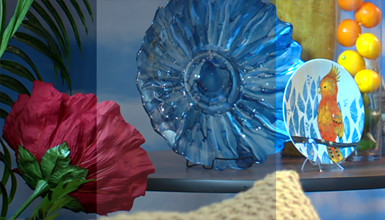
Canon provides several De-Log LUTs on their website that are meant to convert Canon Log back into REC709 or video gammas. These files can be found on Canon's website but can be tough to use, because they are given in 1D LUT format as a simple CSV (comma seperate value) file.
Client Profiles
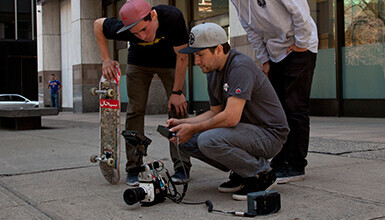
AbelCine worked with action cinematographer Jim Geduldick on a project to test an early release version of the new Phantom Miro M320S camera. Jim produced and directed a test shoot at Camp Woodward in Pennsylvania, which involved skateboarders, BMX, and dirt bike riders from all over the east coast. Camp Woodward is an amazing facility that began over thirty years ago and has helped define "extreme sports" for several generations since.
Tutorials & Guides
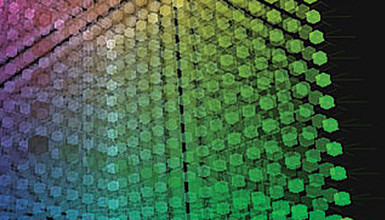
Have you ever wondered how a digital camera actually "sees" color and translates it into information that can be recorded? A Color Matrix describes the balancing of different parts of the color spectrum in order to create an accurate representation for capture. It describes not only the three primary colors, but their relationships to one another. By adjusting the properties of the Color Matrix, you can do things like: shift the white balance of a camera, change the sensitivity, alter the color pallet, adjust for color anomalies in the lens, or flaring on the sensor.