



luts
Tools, Charts & Downloads
Just as we have done for other cameras in the past, we've put together several custom profiles for the C100 Mark II. Because Canon has updated the image processing in the C100 Mark II, the settings needed to match our original scene files on the C100 Mark II are a little different than the ones for the original C100.
Tutorials & Guides
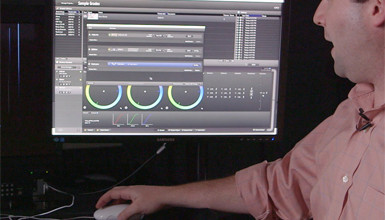
Using Pomfort's LiveGrade you can remotely color grade the VariCam 35. In my previous post, I explained how to set up the camera in preparation for the next step - working with the LiveGrade software. The software connects to the camera over a wired or wireless network and can work in a couple of different ways.
Tutorials & Guides
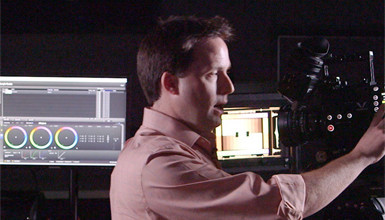
One of the great features of the Panasonic VariCam 35 is its built in color management. The camera can record in VariCam Log while applying look up tables (LUTs) to all outputs, including the viewfinder.
Tech News
There's been yet another major firmware update to Convergent Design's Odyssey7 series of external monitors/recorders. This time the focus is on monitoring, routing/distribution and, especially, LUTs (Look Up Tables).
Tools, Charts & Downloads
The Arri AMIRA is known to be a great looking camera right out of the box but we often get requests to create matching look files for the camera. As you probably know, we make scene files for various cameras including the Sony F5 & F55 to the Canon C100 & C300 cameras. I've created some matching profiles that you can load into the Arri AMIRA or apply in post.
Tutorials & Guides
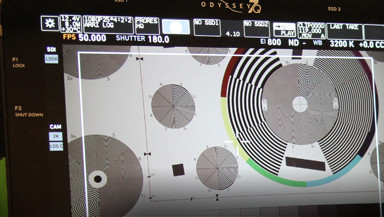
The Atomos Shogun has become a top choice for off-camera monitoring and recording. Its lightweight and feature-rich design make it ideal for acquisition from HD up to 4K.
Tutorials & Guides
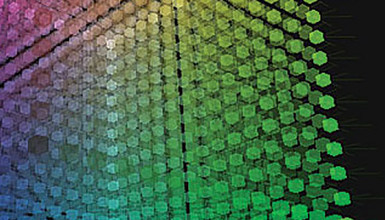
Our scene file blogs have always been some of our most popular posts, and our specialists get many questions regarding how to create matching scene files for different cameras. Last year I actually wrote an article for HDVideoPro called "Making the Match," where I discussed step-by-step how I go about doing this. In that article, I used a Sony F3 and an FS700 as examples, but recently we received an interesting inquiry on how to match a Sony F55 with a Canon C500.

Tutorials & Guides
Back in January, Juliet wrote a fairly extensive post explaining the process of getting HFR recording working on your Sony F55 or F5. It's a great feature that many people are excited about, but a common question that pops up is, "Why can't I use LUTs when shooting in the HFR mode?" LUTs can definitely make your life easier when shooting in S-Log, so Alister Chapman has found an interesting workaround over on XDCam-User.
Tech News
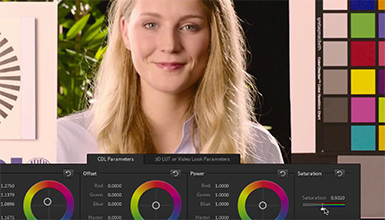
One of the most important features of the new Arri AMIRA is its ability to load 3D LUTs (Look Up Tables), which really allows you to modify the way the camera looks. The ALEXA allows for basic LUTs with ASC CDL adjustments, but the AMIRA goes a step beyond that to allow for full customization of the image.