



luts
Tutorials & Guides
Canon has been busy updating their 3D LUTs (Look Up Tables), but they are still using a variant of the 3D '.cube' format that can stymie many popular NLEs (Non-Linear Editing systems) such as Adobe Premiere Pro CC. To help remedy this situation, we've created more widely compatible versions of these LUTs, as well as some creative LUTs, all of which you'll find below.
Tutorials & Guides
RED's new IPP2 workflow, which is supported in-camera with the latest RED DSMC2 bodies brings a lot to R3D workflows. One of the most important features is the ability to load a custom 33-sided 3D LUT in .cube format into the camera for viewing. In this blog, I show you two scenarios for on set and off set LUT creation.
Tutorials & Guides
The ALEXA Mini from ARRI is a versatile and flexible camera body with a compact form factor and outstanding image quality.
Tutorials & Guides
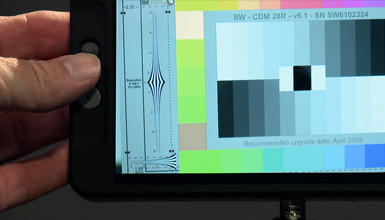
SmallHD on-board monitors have become a staple of the industry. In this blog, I will walk you through the menu structure of the SmallHD monitors -- specifically the 702 -- so you can customize your monitor to work exactly as you need it.
Tutorials & Guides
Just over three years ago, I wrote up an article on how to import Canon C300 footage into various NLEs. The C300 Mark II has been out for some time now, but it's just recently that all the major software applications have supported it.
Tutorials & Guides
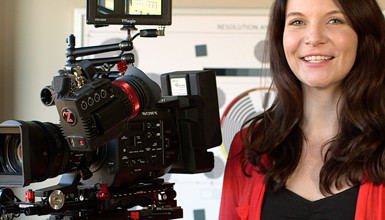
After using Zacuto's Gratical EVF on a few shoots recently, I wanted to take a more in-depth look at the exposure tools and LUT functions that can be extremely valuable on set. I already knew I liked the versatility of the viewfinder and the user-friendly interface, but I wanted to see how these advanced tools could benefit my image and my set.
Tutorials & Guides
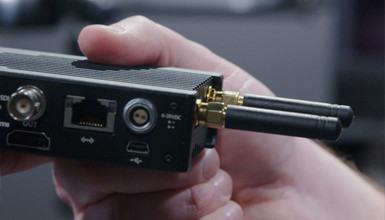
At IBC this year, Teradek released their new COLR wireless LUT box. This compact system can take in HD-SDI or HDMI and output a video signal with a Look Up Table (LUT) applied.
Tools, Charts & Downloads
Canon recently released two packages of 3D LUTs for use with Canon Log and Canon Log 2 on the C300 Mark II. The LUTs are being made available by Canon in .cube format, which is suitable for use in Blackmagic Design's DaVinci Resolve and many other programs.

Tutorials & Guides
In a previous blog, Andy showed us how to create LUTs using Sony's RAW Viewer software and then import them into the Sony F5 & F55. You can use the same workflow in Sony RAW Viewer to create and import LUTs to the FS7 -- but what about when you want to use a LUT that was not created by Sony software?
- Page 1 of 4
- Next