



Post Production
Tutorials & Guides
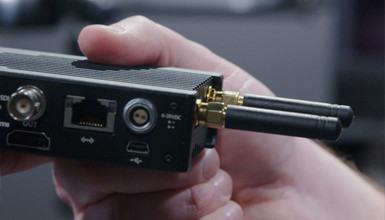
At IBC this year, Teradek released their new COLR wireless LUT box. This compact system can take in HD-SDI or HDMI and output a video signal with a Look Up Table (LUT) applied.
Tutorials & Guides
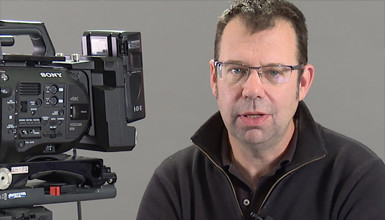
In a previous blog, Andy showed us how to create LUTs using Sony's RAW Viewer software and then import them into the Sony F5 & F55. You can use the same workflow in Sony RAW Viewer to create and import LUTs to the FS7 -- but what about when you want to use a LUT that was not created by Sony software?
Tutorials & Guides
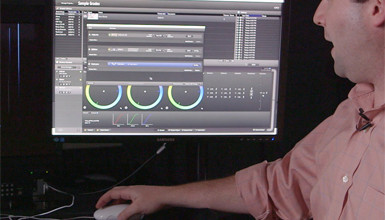
Using Pomfort's LiveGrade you can remotely color grade the VariCam 35. In my previous post, I explained how to set up the camera in preparation for the next step - working with the LiveGrade software. The software connects to the camera over a wired or wireless network and can work in a couple of different ways.
Tutorials & Guides
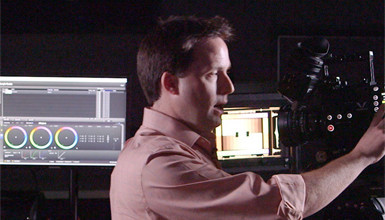
One of the great features of the Panasonic VariCam 35 is its built in color management. The camera can record in VariCam Log while applying look up tables (LUTs) to all outputs, including the viewfinder.

Tutorials & Guides
At AbelCine, we often use the term "stills to motion" to describe a still photographer making the transition to cinematography. We've held various events and tours based on this concept, and we've fielded recurring questions around shooting simultaneous stills and video. Many of the shooters we speak to would prefer to focus on either stills or motion, but are often asked by their clients to provide both.

Tools, Charts & Downloads
The Sony a7S has proven to be extremely popular, and we have had a lot of requests for some of our custom scene files. So, we've put together four files in our usual flavors for you to try out.

Tools, Charts & Downloads
Tutorials & Guides
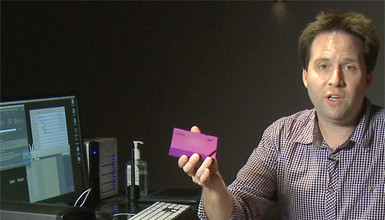
Data archiving is not something most of us want to think about, but it's a reality that all filmmakers have to face today. The demand for lower compression and higher resolution material is increasing, meaning that we all eat through hard drives much faster. On the bright side, archiving is getting easier and more affordable all the time. The LTO tape format has become the standard for data archiving in our business, and the new LTFS (Linear Tape File System) makes it easy to use. One downside of an LTO deck setup is that it is usually tied to a full computer workstation. That's where mLogic's mTape comes in.
Tutorials & Guides
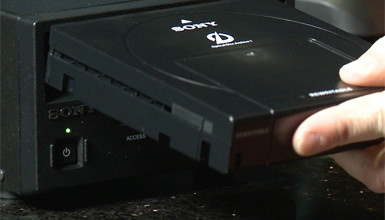
Sony is known for their reliable and proven Optical Disc technology. Many of us have countless numbers of their XDCAM discs on our shelves serving as an archive, just like we used to do with tape stock. Sony has recognized the need to archive material in a larger format with the same reliability (up to 50 years based on testing), so they built an Optical Disc Cartridge, which combines 12 discs into one container, sort of like a car CD changer. Cartridges come in sizes up to 1.5 TB, in either write-one or re-writable formats.