



Cameras & Accessories

Tutorials & Guides
Kessler Crane is surely a household name to many of us in this industry and AbelCine is happy to announce that we are now an official reseller of Kessler products! What does this mean for you? Well, most importantly, you can come in to our locations in New York or Burbank and actually put your hands on the gear.
Tutorials & Guides
Tutorials & Guides
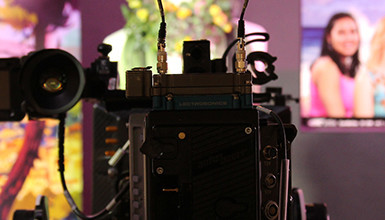
The AJA Ki Pro and Ki Pro Mini recorders both offer an ethernet user interface that can be displayed on a computer desktop.
Tools, Charts & Downloads
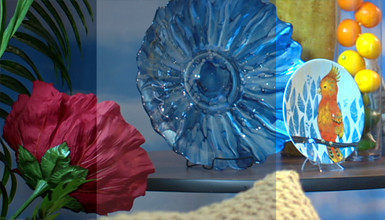
We've taken an in-depth look at the Sony NEX-FS700 before, and Andy and I finally had the opportunity to put together some scene files for the camera. The scene files we've built are an attempt to match some of the other profiles we've created for other cameras and should serve as a great starting point in building your own "look."

Tech News
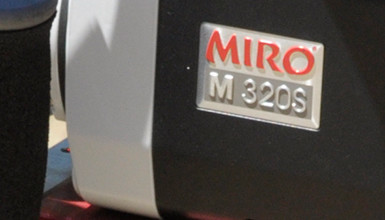
Phantom high-speed is now at every professional filmmaker's fingertips with the Miro M-series. The flagship of the Miro lineup is the Phantom Miro LC320S, which offers an entry into high-speed imaging with 1500 fps at 1920x1080 resolution and a touch-screen LCD display. Its compact size, smooth workflow and entry-level pricing make the Miro M-series the most accessible high-speed cameras available today.
Tutorials & Guides
Today, Vision Research revealed the new Phantom Miro LC320S Digital Cinema High-Speed Camera, which brings together the best of the two Phantom camera lines. The Phantom Flex, and its predecessor the HD Gold, introduced straightforward, on-camera controls and ease of use to digital high-speed imaging, while Miro cameras offer the same uncompressed RAW HD high-speed capture a in small, lightweight package.
Tutorials & Guides
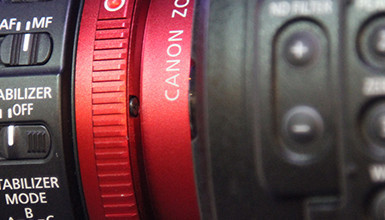
The Canon C300 has a wide range of adjustments in the Custom Picture menu that can be used to create a unique look. While it is great to have all these controls, sometimes it's easier to load a pre-defined look. This is where being able to load custom scene files into the camera is handy.

Tutorials & Guides
A great deal of interest was generated at NAB by the announcement of the Blackmagic Cinema Camera, a 2.5k-capable (2432x1366) camera that records directly to SSDs. Recording 2.5k content as CinemaDNGs or 1080 HD content as ProRes or DNxHD, the Cinema Camera certainly offers some unique possibilities at an affordable price point. In this article, we present the various accessories and lens options that can be used with the camera.
Tutorials & Guides
You may have wondered what the 5600K CC button on the top left hand corner of the PMW-F3's LCD does. As its name implies, it allows you to quickly change the white balance from 3200K (tungsten) to 5600K (daylight). The important thing to remember is that the button only works this way when the camera is set to a color temperature of 3200K.