




Tutorials & Guides
Recently I have been getting a number of questions about Log mode in the Canon C300, which is great because that means that many of us are using this mode. However, there are some really important things to know before jumping in. Canon has recently published a white paper on Canon Log that is full of great info. It's not exactly light reading, however, so I'll try to outline some of the important information about Canon's Log curve in this blog.
Tutorials & Guides
The AJA Ki Pro and Ki Pro Mini recorders both offer an ethernet user interface that can be displayed on a computer desktop.
Tutorials & Guides
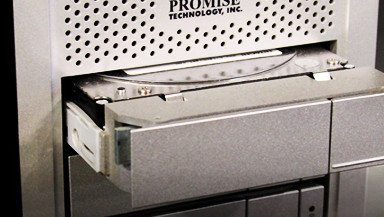
We've touched upon this before, but file management is perhaps one of the most overlooked and neglected details of production. I'm sure every shooter recognizes how critical file management is, but how often do we practice what we preach? I'm guilty of possessing multiple hard drives with random folders strewn about, even though I always advise the exact opposite.
Tools, Charts & Downloads
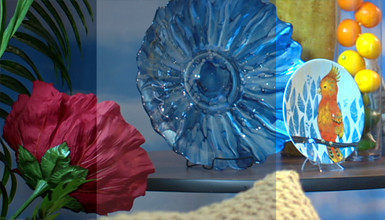
We've taken an in-depth look at the Sony NEX-FS700 before, and Andy and I finally had the opportunity to put together some scene files for the camera. The scene files we've built are an attempt to match some of the other profiles we've created for other cameras and should serve as a great starting point in building your own "look."

Tutorials & Guides
For years now, AbelCine has been supplying our customers with scene files for their cameras. The Sony PMW-F3 is no exception. Picture Profiles can create different looks in the camera; you can check out the ones we created for the F3 here. You may have wondered how to get these looks from your computer to the camera - fortunately, the process is fairly easy.

Tech News
Phantom high-speed is now at every professional filmmaker's fingertips with the Miro M-series. The flagship of the Miro lineup is the Phantom Miro LC320S, which offers an entry into high-speed imaging with 1500 fps at 1920x1080 resolution and a touch-screen LCD display. Its compact size, smooth workflow and entry-level pricing make the Miro M-series the most accessible high-speed cameras available today.
Tutorials & Guides
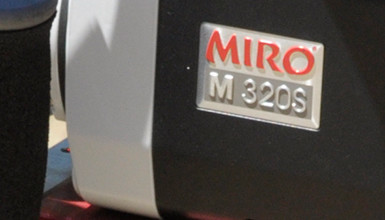
Today, Vision Research revealed the new Phantom Miro LC320S Digital Cinema High-Speed Camera, which brings together the best of the two Phantom camera lines. The Phantom Flex, and its predecessor the HD Gold, introduced straightforward, on-camera controls and ease of use to digital high-speed imaging, while Miro cameras offer the same uncompressed RAW HD high-speed capture a in small, lightweight package.
Tutorials & Guides
The Canon C300 has a wide range of adjustments in the Custom Picture menu that can be used to create a unique look. While it is great to have all these controls, sometimes it's easier to load a pre-defined look. This is where being able to load custom scene files into the camera is handy.
Tutorials & Guides
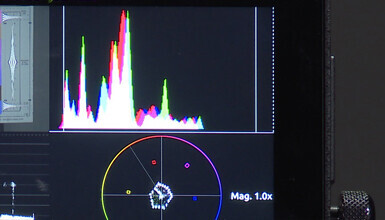
Being able to read a waveform monitor is one of the most valuable skills you can posses, both on set and in post. The waveform is the most precise way to check for exposure and, to a certain extent, color accuracy.