



c300
Tech News
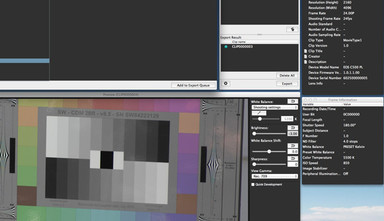
Canon has released their very easy to use Cinema RAW Development software for Mac OS Lion and Mountain Lion, which allows you to ingest, play, and export Canon RAW files.

Tutorials & Guides
Recently I have been getting a number of questions about Log mode in the Canon C300, which is great because that means that many of us are using this mode. However, there are some really important things to know before jumping in. Canon has recently published a white paper on Canon Log that is full of great info. It's not exactly light reading, however, so I'll try to outline some of the important information about Canon's Log curve in this blog.
Tutorials & Guides
The Canon C300 has a wide range of adjustments in the Custom Picture menu that can be used to create a unique look. While it is great to have all these controls, sometimes it's easier to load a pre-defined look. This is where being able to load custom scene files into the camera is handy.
Tutorials & Guides
When Canon launched the EOS C300, one of the touted features was Wi-Fi control via the optional WFT-E6A adaptor. Originally designed for the Canon EOS-1D X DSLR, the WFT-E6A allows you to preview the image and make exposure adjustments from any web browser, including tablet devices and smart phones.
Tutorials & Guides
Working with Log material can be difficult at times, so we have put out a couple of different LUTs for use when using the Sony F3's S-Log or Canon Log from the Canon C300. You can download the F3 LUTs and the C300 LUTs, as many of you have already done. Arri has their online LUT Generator, and the Technicolor CineStyle LUTs are available when using the CineStyle profile on the 5D Mark II.
Tools, Charts & Downloads
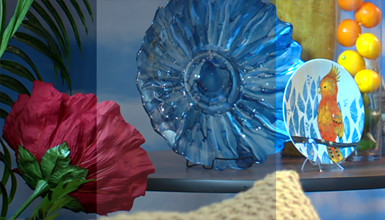
Canon provides several De-Log LUTs on their website that are meant to convert Canon Log back into REC709 or video gammas. These files can be found on Canon's website but can be tough to use, because they are given in 1D LUT format as a simple CSV (comma seperate value) file.
Tutorials & Guides
Recently, a colleague of mine asked about how to set up the Ki Pro Mini for use with the Canon C300. With the latest firmware (v3.0), the Ki Pro Mini can be triggered to record via the C300, as well as record in 24p (23.976 to be exact).
Tools, Charts & Downloads
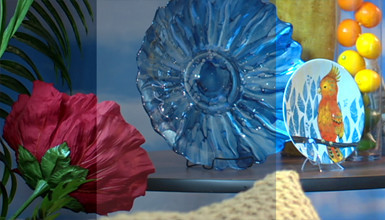
Just as we have done for other cameras in the past, we've put together several custom profiles for the C300. Many of the looks are the same as those found in the Sony F3 and other cameras that we support. The C300 has several great default looks that can always be used. However, our profiles attempt to match other popular cameras, or give you the best performance in a given situation. We put together seven different files for you to choose from, which are outlined below.

Tutorials & Guides
With every new camera, comes many new questions about workflow. The term 'workflow' can be fairly broad, but today I am looking at importing C300 footage into various non-linear editing systems (NLE). The C300 uses the same workflow as the Canon XF series of cameras (which includes the XF305, XF300, XF105 and XF100), because it records in the same format. However, the tools for importing the footage have been updated by Canon. Below, I outline how to ingest footage onto a hard drive, and how to import into Avid Media Composer, Final Cut Pro 7, Premiere 5.5 and Final Cut Pro X. Keep reading for a brief how-to on each process.